BloodHound on Kali Linux
What is BloodHound?
BloodHound is a single page JavaScript web application, built on top of Linkurious, compiled with Electron, with a Neo4j database fed by a C# data collector.
BloodHound uses graph theory to reveal the hidden and often unintended relationships within an Active Directory or Azure environment. Attackers can use BloodHound to easily identify highly complex attack paths that would otherwise be impossible to quickly identify. Defenders can use BloodHound to identify and eliminate those same attack paths. Both blue and red teams can use BloodHound to easily gain a deeper understanding of privilege relationships in an Active Directory or Azure environment.
Bloodhound is an amazing tool which can enumerate a domain automatically, save all the information, find possible privilege escalation paths and show all the information using graphs.
Booldhound is composed of 2 main parts: ingestors and the visualization application.
The ingestors are used to enumerate the domain and extract all the information in a format that the visualization application will understand.
The visualization application uses neo4j to show how all the information is related and to show different ways to escalate privileges in the domain.
Installation On Linux
Docker (the recommended & easy way)
Bloodhound can be easily installed using docker compose.
- Install Docker via apt
sudo apt install docker.io docker-compose
curl -L https://ghst.ly/getbhce > docker-compose.yml

docker compose pull && docker compose up
To run BloodHound without the need to maintain the terminal interface, use docker compose up -d, and then docker compose logs to see the most recent logs from the environment.
if you faced an error like this:
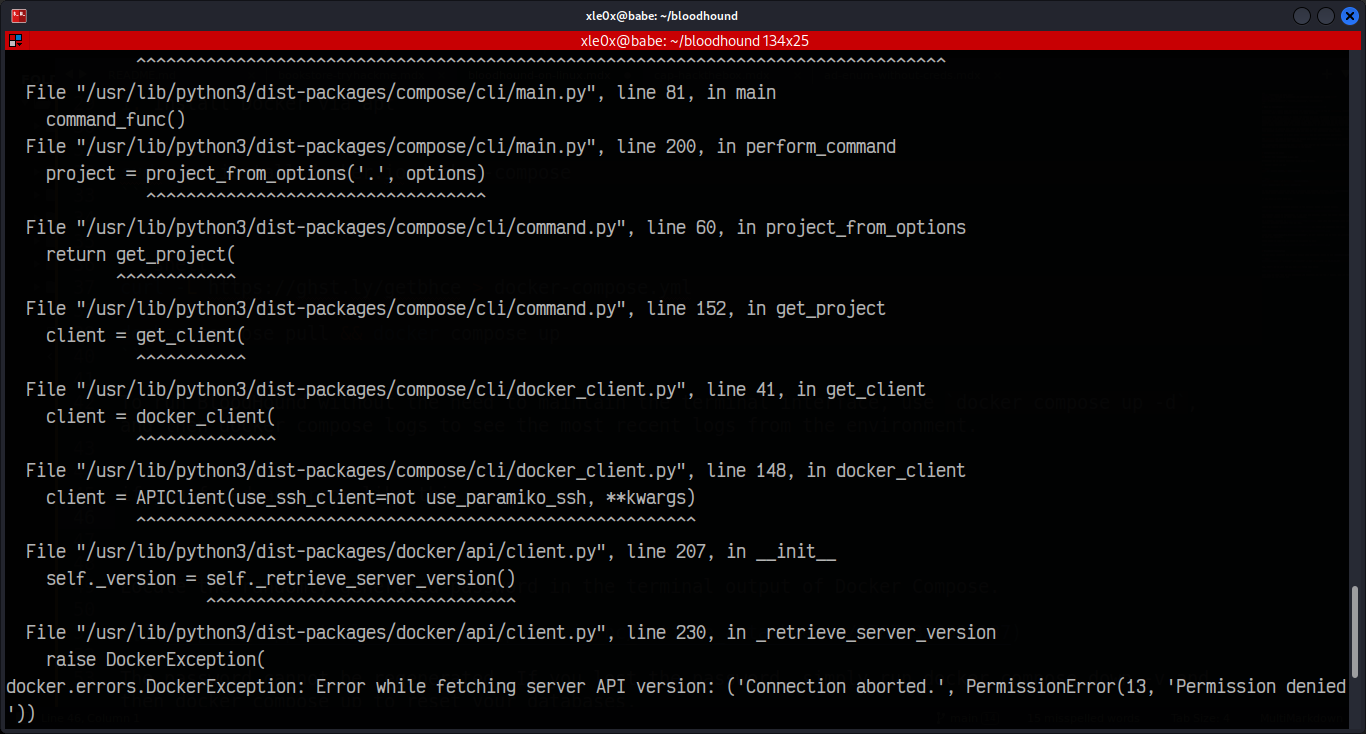
just give it a sudo privilege.
Locate the randomly generated password in the terminal output of Docker Compose.
The password cannot be regenerated. If you lost the password, simply run docker compose down -v and then docker compose up to reset your databases.
In a browser, navigate to http://localhost:8080/ui/login. Login with the username admin and the randomly generated password from the logs.
When you navigate to http://localhost:8080/ui/login you should see something like this:

Login with admin:Password_Printed_In_Terminal, it will redirect you to reset the password, reset it with your cool password.
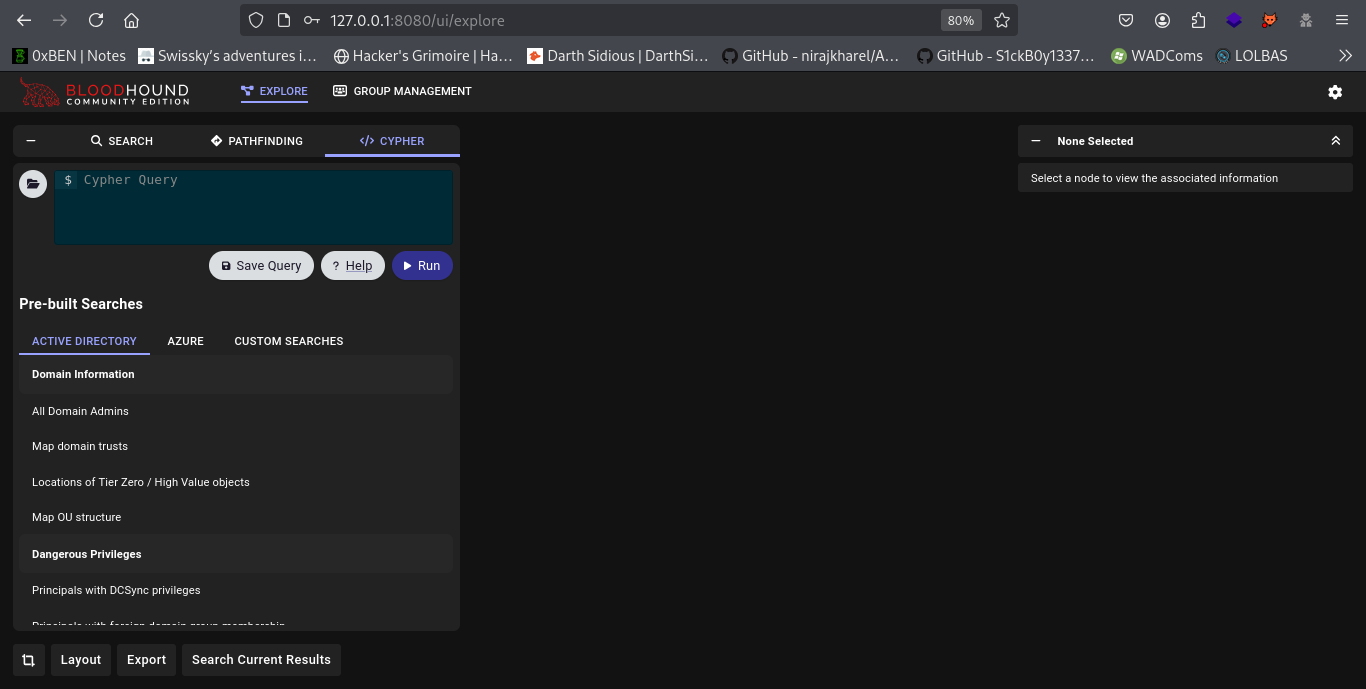
Setup should be done and you should be navigated to this:

when you want to stop bloodhound just do this (in the docker-compose.yml directory):
sudo docker-compose stop
if you want for some reason to clear everything and reinstall it (in the docker-compose.yml directory):
sudo docker-compose down -d
BloodHound Enumeration
you can easily enumerate the targeted Domain with bloodhound thanks to the bloodhound-python script.
bloodhound-python -u 'username' -p 'password' -c All -d vuln.org -dc 10.10.10.123
Yup, That’s it! It will fed you with json files like these:
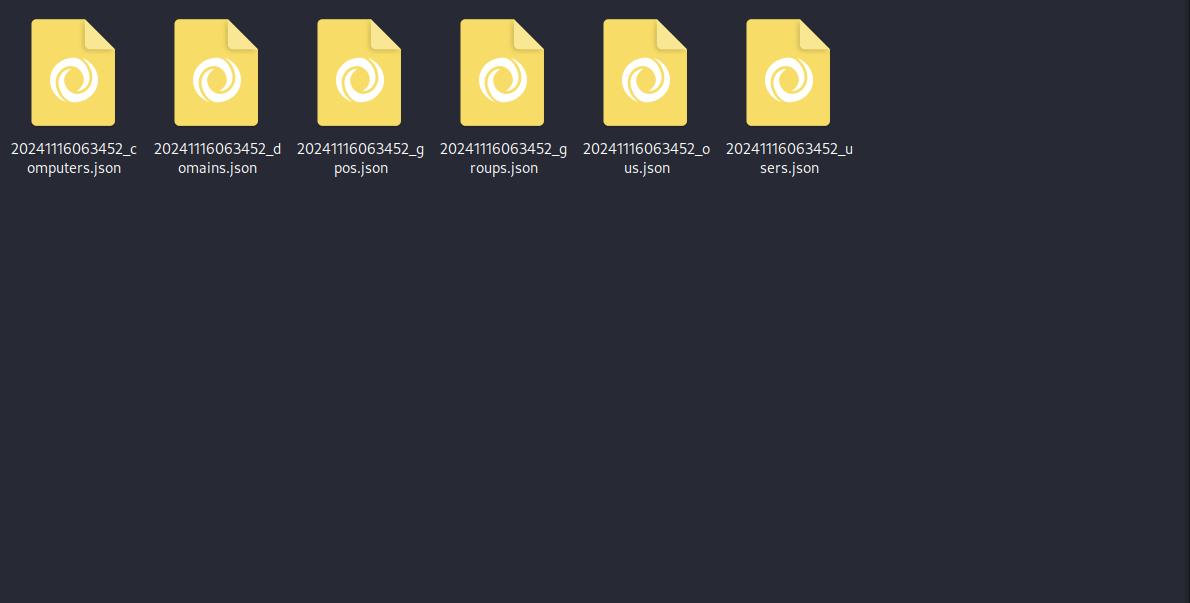
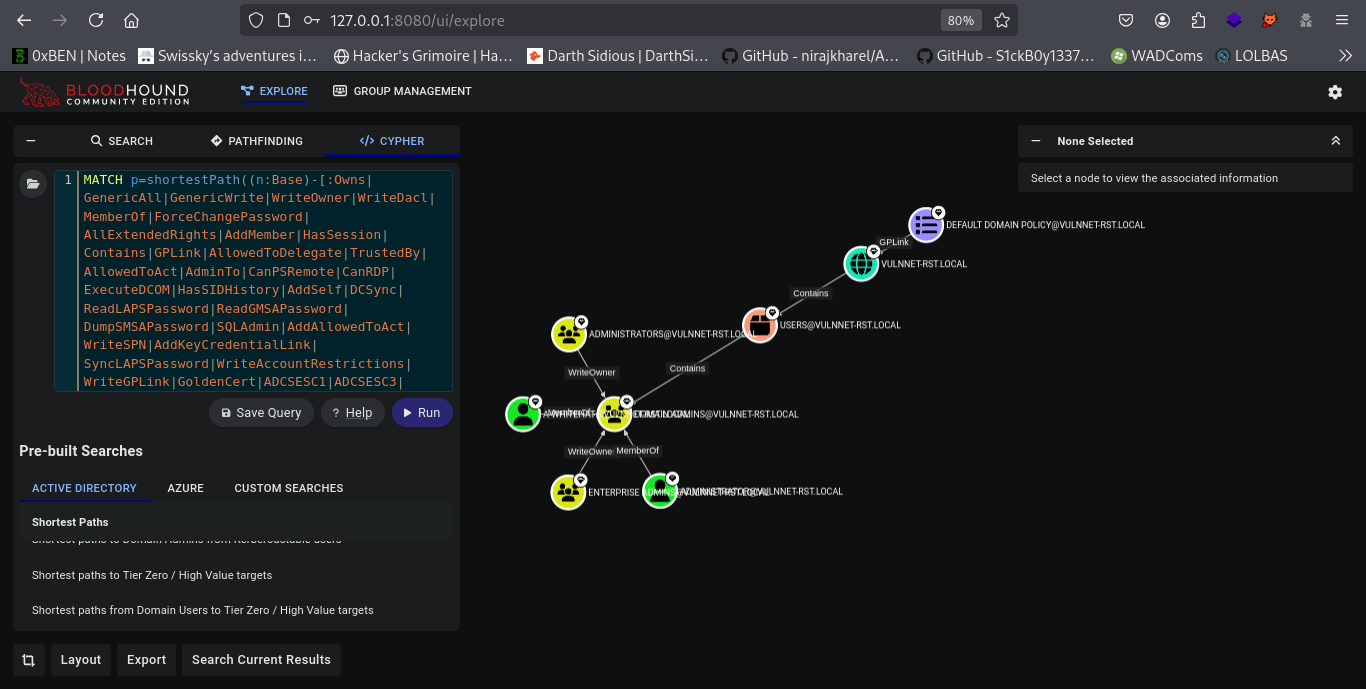
just drag and drop them in the bloodhound web interface and let the 🪄 happen. Once all files got injected! you can search as you need from the Cypher Tab:
Wish you learned something new! 😊